

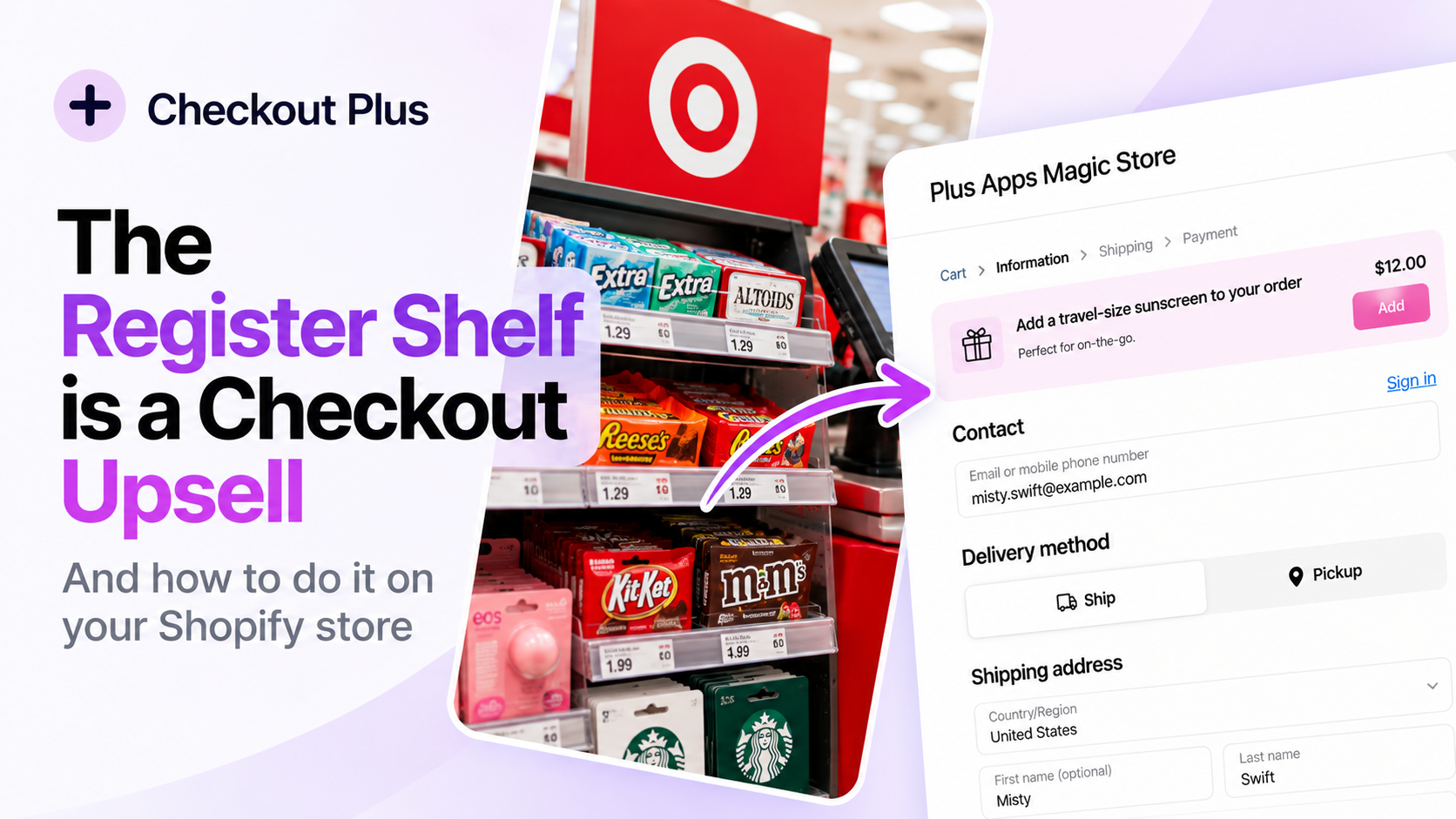
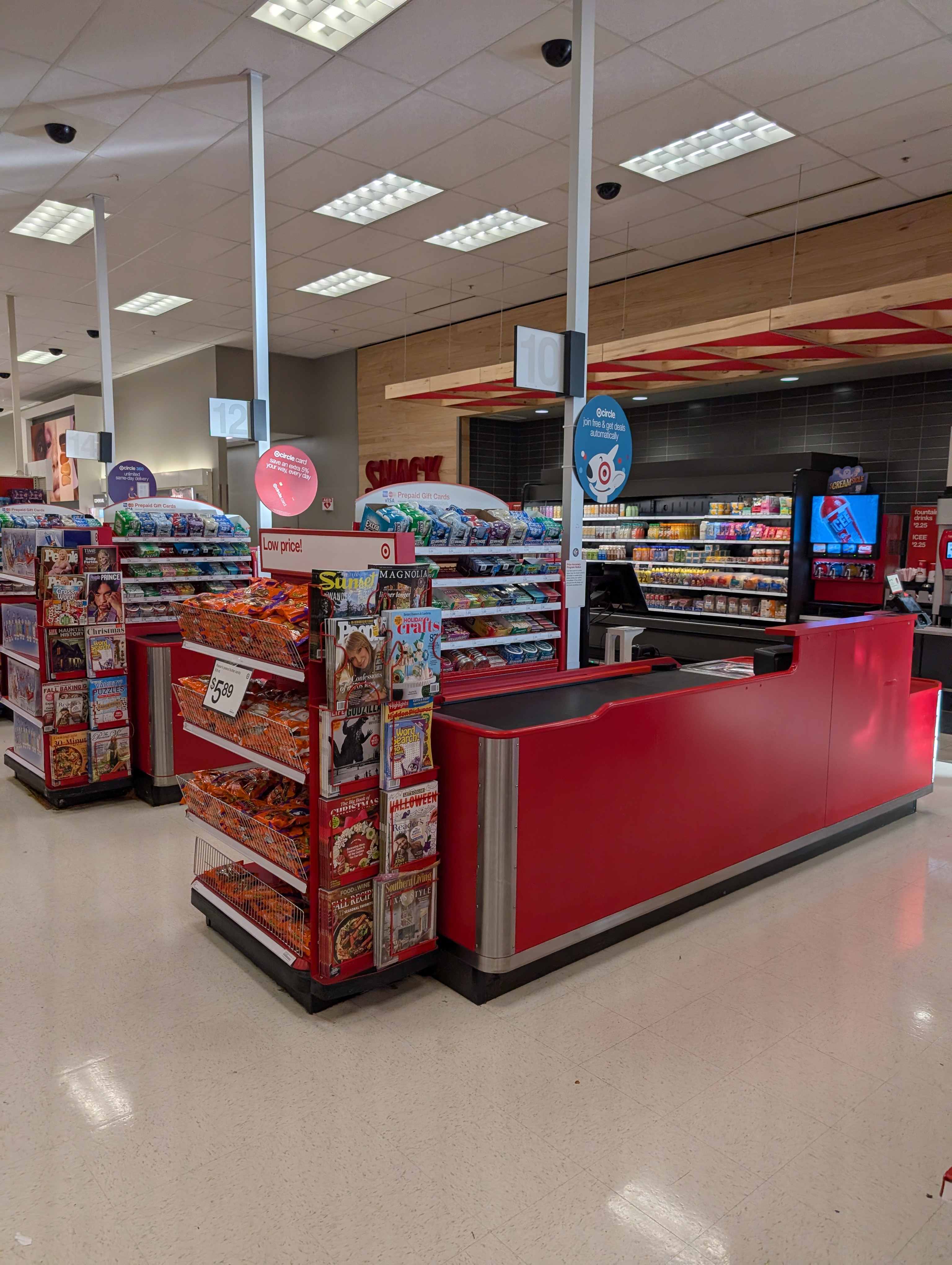
I was at a Target register, mid-payment, when my wife tossed one more thing into our cart. Last second. No discussion, no second trip down an aisle. And right there I had a very Gen Z realization: this is a checkout upsell.
These are the physical versions of the thing I work on every day in Checkout Plus. Once you notice it, you see it everywhere. Target, Sephora, the grocery store. Magazines, candy, lip balm, gift cards, all stacked right where you're already standing with your card out.
(This is probably also a sign that I need to get out more.)
Why the register shelf works
Think about what's actually on that shelf. It's cheap. It goes with almost anything. Nobody needs it, and that's fine. And it's sitting right where you're paying, at the moment you've already decided to buy.
Now think about what's not there. Nobody's putting a TV by register 10. A TV is a real decision. You compare models, you measure the wall, you maybe talk yourself out of it. That decision belongs in an aisle, not in the eight seconds while the card reader thinks.
Retailers figured this out a long time ago. The register isn't where you sell people something new. It's where you let them grab one more small, obvious thing without breaking stride.
Online checkout is the same shelf
Your Shopify checkout is that exact moment. The customer has picked their products, they're typing in a card number, and they're one click from done. They aren't browsing anymore. They're paying.
That's why a checkout upsell behaves so differently from a product page recommendation. On a product page, people are still exploring and comparing. At checkout, anything that makes them stop and think is friction. The offers that win here are the ones that don't need much thinking.
The 4 rules of the register (and how they translate online)
1. Low enough to say yes without thinking
At the register, it's a pack of gum or a $5 lip balm. Online, it means an add-on priced well below the cart total. It should feel like a rounding error next to what they're already buying, not a second purchase.
- Apparel: a 3-pack of socks, a no-show liner
- Beauty: travel-size minis of a bestseller
- Coffee: a pack of filters, a sample bag of a new roast
2. Makes sense with what they already bought
Batteries next to the toys works because it's obvious. The online version is a true complement to what's in the cart: the thing that makes their purchase work better, last longer, or get used sooner.
- Footwear: a shoe care kit or cleaning wipes
- Luggage and travel: packing cubes, a luggage tag
- Fitness: grip socks, a resistance band
3. Feels optional
Nobody at Target grabs your arm and asks if you're sure you don't want the candy. It's just there. Online, that means one clean add button, no pop-up, no countdown, no guilt-trip copy. If the customer ignores it, checkout should feel exactly the same.
4. Shown while they're already paying
The register shelf isn't at the store entrance, and it isn't in the parking lot. It's at the moment of payment. Online, that means the offer lives in the checkout itself, next to the order summary, where adding it is one tap and nothing about their flow changes.
What the wrong offer looks like
Most “upsells don't work for us” stories I hear come back to one of these:
- Too pricey. The TV by register 10. A $90 add-on on a $60 cart is a whole new decision, so people skip it.
- Unrelated. A phone case for someone buying coffee beans. Even cheap, it reads as noise.
- Pushy. Pop-ups, fake scarcity, copy that makes saying no feel bad. It annoys people at the most fragile point in the funnel.
- Too early or too late. On a product page it competes with the main decision. Bury it after the order and the “grab one more thing” moment is gone.

The lesson: swap the product, not just the switch
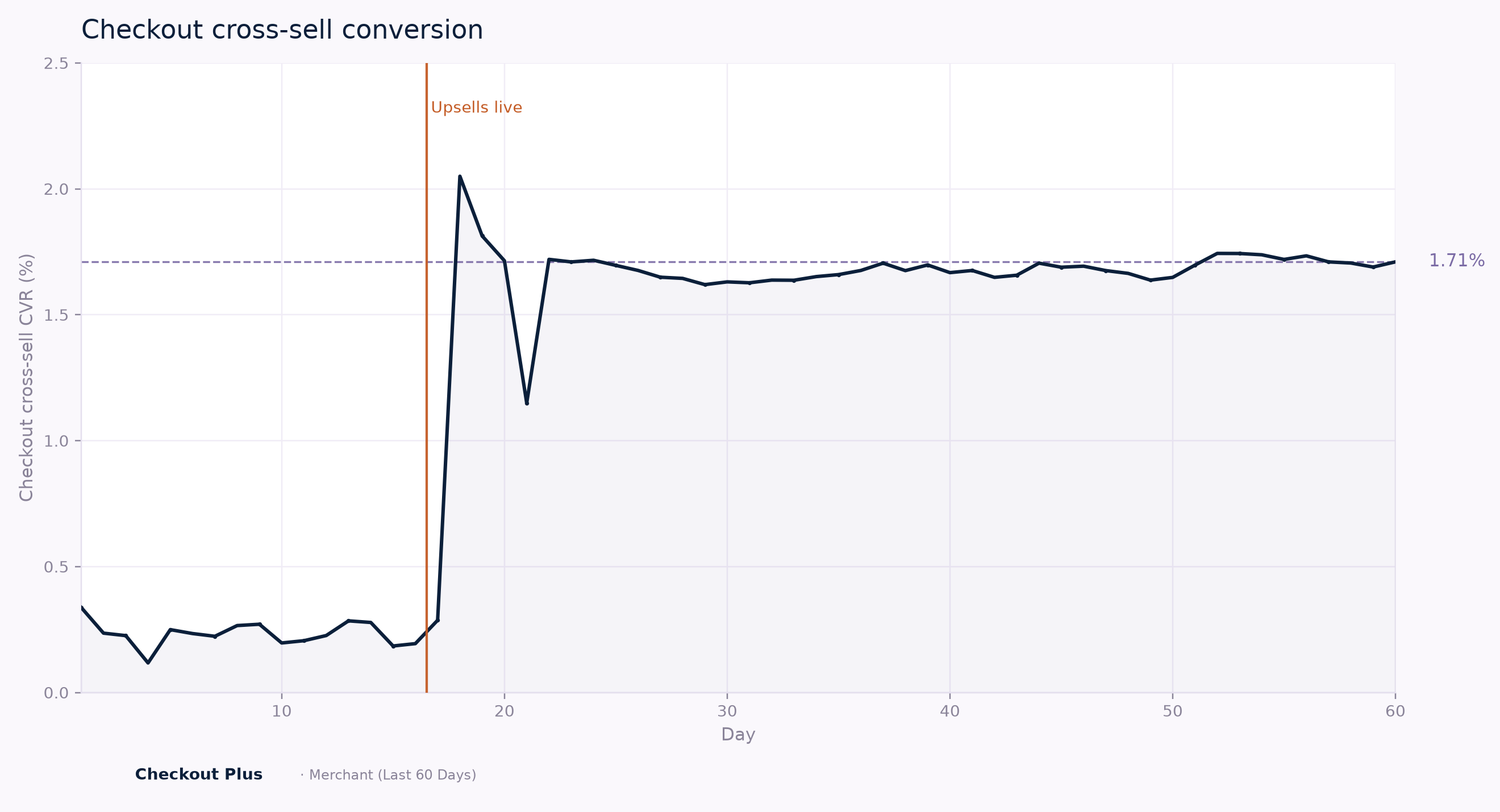
Illustrative 60-day pattern. The 1.71% endpoint reflects a published checkout cross-sell case study (Hike Footwear), not a specific Checkout Plus merchant.
Here's the pattern I want you to picture. For the first stretch, a store has a checkout upsell turned on, but it's the wrong product: too expensive, or not really related to what people buy. The line barely moves. Then they swap in a cheap, obvious complement, the vertical line on the chart, and checkout cross-sell conversion jumps before settling into a steady range. In the published case that endpoint is based on, it landed around 1.71%.
The takeaway isn't “turn on upsells.” Plenty of stores already have upsells on and see almost nothing. The takeaway is that the product choice is the lever. Same placement, same checkout, different item on the shelf.
Also worth saying: around 1–2% of checkouts taking an add-on can look small. But it's incremental revenue on orders that were already happening, with no extra ad spend, and the right complement also makes for a happier customer. That's the register shelf in a nutshell.
How to set this up in Checkout Plus
This is the part where I talk about our own app, so I'll keep it short.
Checkout Plus lets you customize the Shopify Checkout, Thank You, and Order Status pages, and upsells are one of the main things merchants use it for. At a high level, the register-shelf approach looks like this:
- Add a checkout upsell block to your checkout so the offer sits where customers are already paying.
- Pick a low-price complement using the 4 rules above. Start with one product, not a carousel of ten.
- Watch it, then swap. Give it some time, look at how often it gets added, and if it's flat, change the product before you give up on the idea. Checkout Plus includes analytics such as click-through and conversion rates so you can see what's working.
One honest note: Checkout Upsells are part of the Plus Advanced plan, and in-checkout customizations require Shopify Plus because that's how Shopify's checkout extensibility works. If you're on a standard Shopify plan, the same thinking still applies to the Thank You page and post-purchase offers, which Checkout Plus supports on all plans. Basic starts at $19/mo.
If you want to see what this looks like with real stores, a couple of our case studies combine upsells with other checkout changes. NOBL Travel refreshed their checkout with targeted upsells, shipping protection, testimonials, a free gift, and an urgency timer, and saw a 24% increase in revenue and a 17% boost in orders. Flo Pilates added trust elements, shipping protection, and targeted upsells, and saw a 14% increase in conversion rate and a 16% lift in AOV. Neither was upsells alone, but the “right thing in the right spot” idea runs through both.
The register was right all along
Physical retail calls it impulse. I call it a checkout upsell. Either way, the rules are the same: cheap enough for an easy yes, obviously related, totally optional, and right there while they're paying. Get the product right and the shelf does the work.
If you want to try it on your own store, Checkout Plus is on the Shopify App Store with a 7-day free trial. And if you see me staring at a register display a little too long, now you know why.
— Darian

