

Consent UX That Converts: Adding Reviews and Trust Signals to Shopify Checkout Without Breaking GDPR
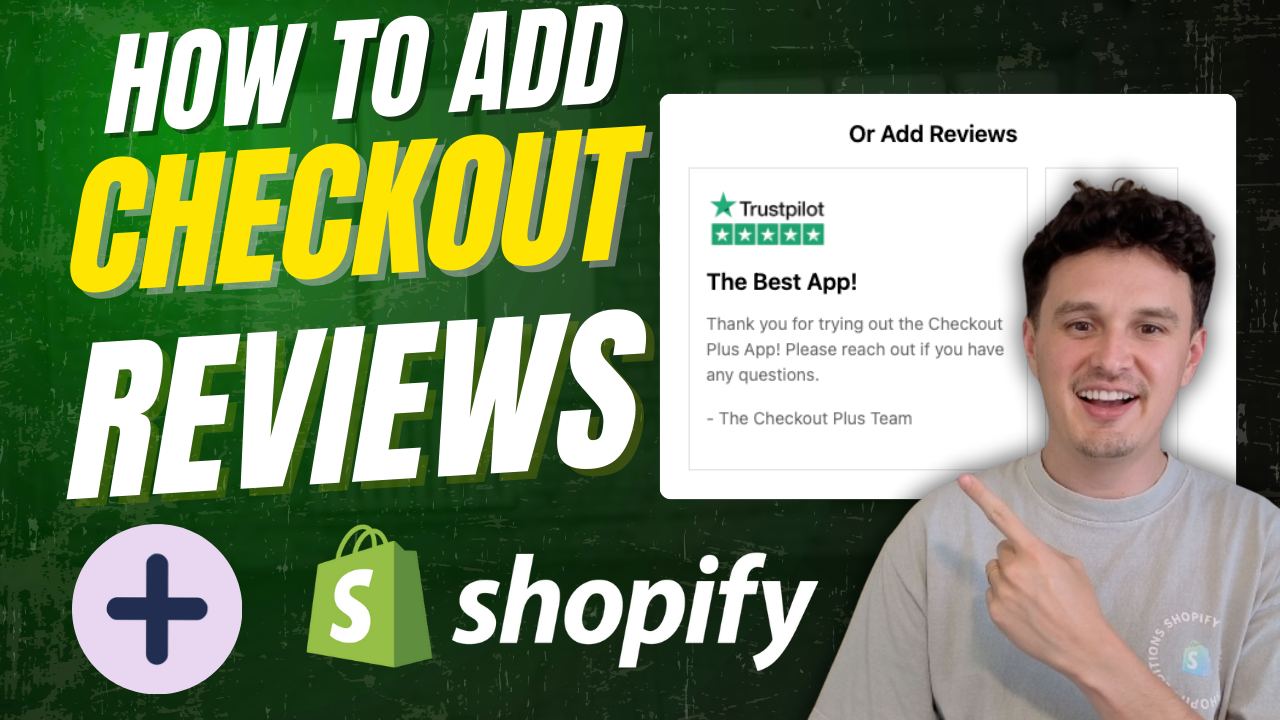
You've read the other posts on this blog. Reviews at checkout lift conversion. Trust badges reduce hesitation. Social proof next to an upsell increases the odds someone takes it.
All true. What most merchants don't ask is what's actually happening behind that review widget the moment it renders.
Checkout used to be locked down. You couldn't touch it, so you couldn't break it. Checkout Extensibility changed that: merchants can now drop reviews, trust badges, and social proof directly into the checkout, the same page that used to be the one part of your store no third-party script could reach.
That's a real win for conversion. It also means checkout is now a place where consent questions can show up for the first time.
Why Checkout Is Different From Your Product Page
A review widget on your product page is old news. Regulators and review platforms have both had years to work out the consent story there.
Checkout is new territory. Under GDPR and the ePrivacy rules that sit alongside it, you need consent before a non-essential cookie or tracking script loads, not a banner that shows up after the fact. Checkout is also where a shopper is actively entering payment and contact details, which raises the stakes if something is collecting data without a clear basis for doing so.
None of that means you can't add reviews to checkout. It means the way you add them matters more than it did on a product page.
What Actually Needs Consent, and What Doesn't
Not every trust element carries the same risk. Roughly, they split into three buckets:
Static trust content. A payment-security badge, a "4.8 stars, 12,000 reviews" line pulled from data you already have, a shipping-guarantee icon. If it's a static image or server-rendered text with no tracking script attached, there's nothing here that needs consent.
Live review widgets. This is where it gets less obvious. Review platforms like Okendo, Yotpo, and Judge.me are excellent at what they do, but many of their embeds also carry their own tracking, personalization, or fraud-detection scripts that set cookies client-side. That's the part that needs a consent check, not the star rating itself.
Post-purchase review requests. If your checkout flow (or a follow-up flow) asks a first-time buyer for their email to request a review later, that's a new use of personal data. It needs its own lawful basis, the same soft opt-in logic that applies to any post-purchase marketing email.
The mistake most merchants make is treating all three the same, either locking down everything (and losing the conversion lift these posts are built around) or ignoring all of it (and picking up consent gaps you won't notice until someone complains).
A Practical Example
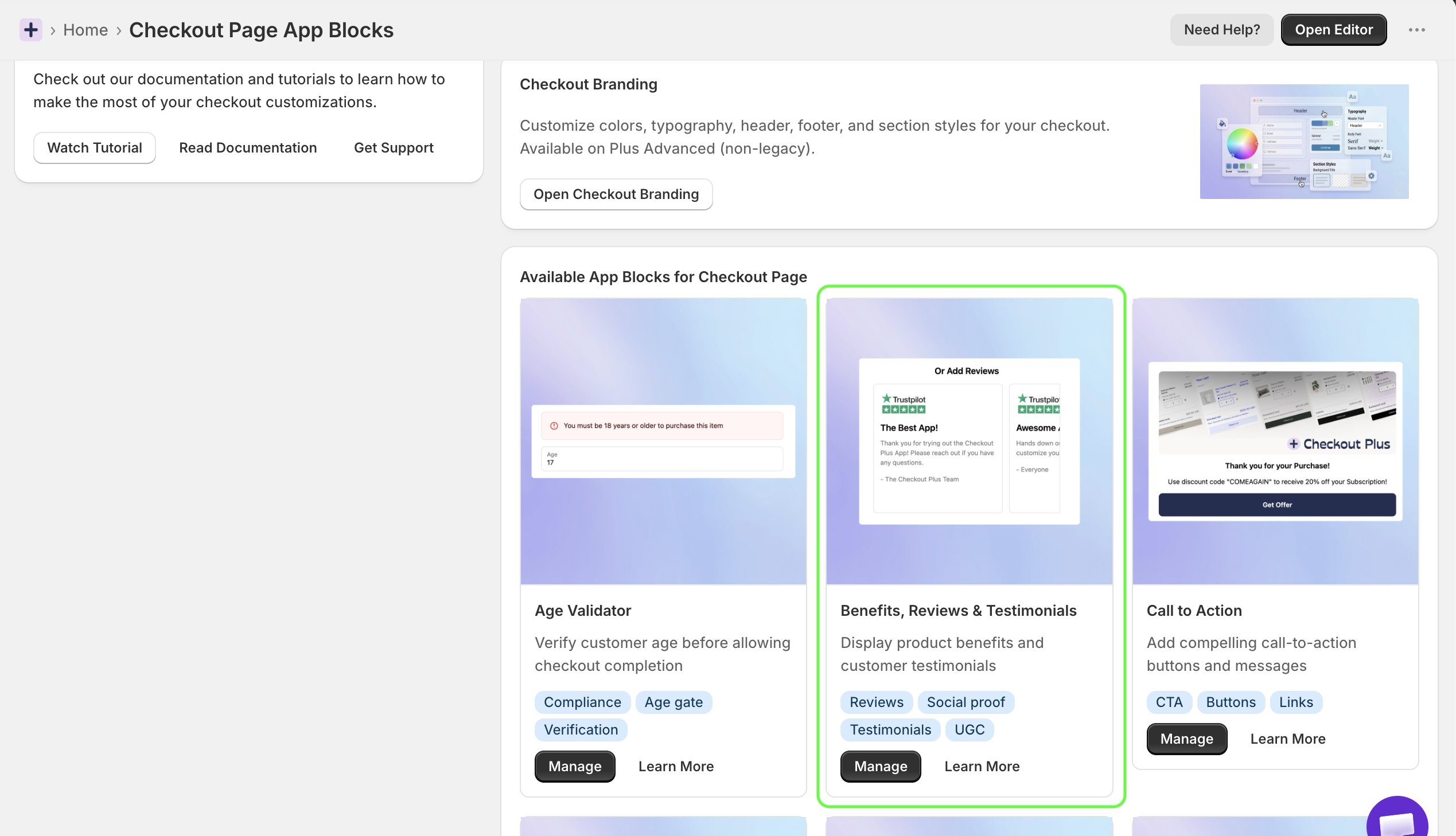
Store A installs a review widget through Checkout Plus, drops it into the checkout upsell block, and ships it. The widget's default configuration loads the vendor's full tracking script on page load, before any consent is captured. It works, conversion ticks up, and nobody notices anything is wrong. Until a customer submits a data request, or a regulator asks a question about the store's checkout, and now there's a real conversation to have about a script that fired before consent existed.
Store B installs the same widget through the same Checkout Plus block. Before publishing, they check the widget's checkout-specific configuration for a "lightweight" or "static" display mode that pulls review data without the vendor's separate tracking script, or they gate the script behind the store's existing cookie consent choice using Shopify's Customer Privacy API, so it only fires for shoppers who've already accepted non-essential cookies elsewhere on the site.
Same review stars. Same conversion lift. One of these stores has a consent gap sitting in checkout; the other doesn't. The difference was a five-minute settings check before launch, not a redesign.
A Quick Checklist Before You Add Reviews to Checkout
- Ask your review platform directly whether their checkout block sets any cookies or fires any scripts beyond displaying the rating, and whether there's a static/lightweight mode.
- Check what "Protected Customer Data" access the app has requested in Shopify. If it's pulling more than product-level review data, know why.
- Gate anything that isn't static behind your existing consent banner state, most CMPs (PieEye included) expose this through Shopify's Customer Privacy API so a script only loads for shoppers who've already said yes to non-essential cookies.
- Keep post-purchase review requests separate from your checkout consent question. Requesting an email for a future review is a marketing ask, not a checkout necessity, and it needs its own opt-in logic.
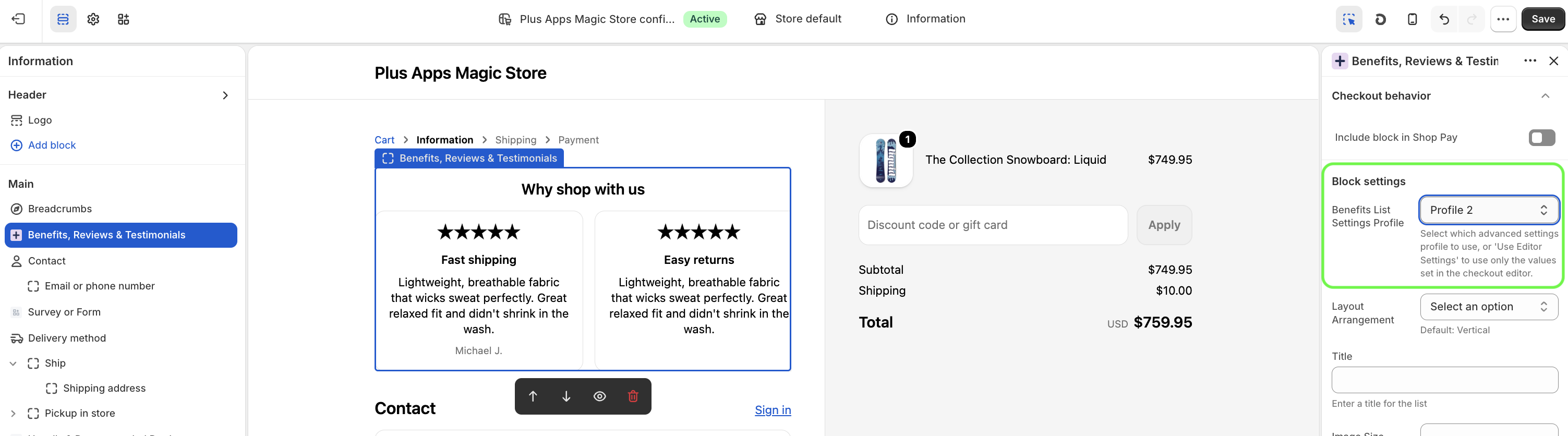
- Re-check after every checkout redesign. Moving a block from "Line Item Content" to "Benefits & Reviews List" can change what fires and when, even if the visual result looks identical.
The Two-Tool Version
Checkout Plus is built to help you add reviews, trust badges, and social proof to checkout without touching code, and to make all of it look native to your brand.
PieEye is built for the other half of that question: making sure what you've added to checkout, from review widgets to trust signals, has a clean consent story behind it, so the conversion lift doesn't come with a compliance gap attached.
Neither tool replaces legal advice for your specific setup. But between a checkout that converts and a checkout you can defend if someone asks how a customer's data got used, you shouldn't have to choose.
Powerful Shopify apps built to help merchants sell more.

